


Managing large photography projects often means working with hundreds or even thousands of subjects. Quickly accessing the right subject list is essential when reviewing photographs, troubleshooting workflow issues, or preparing projects for publishing.
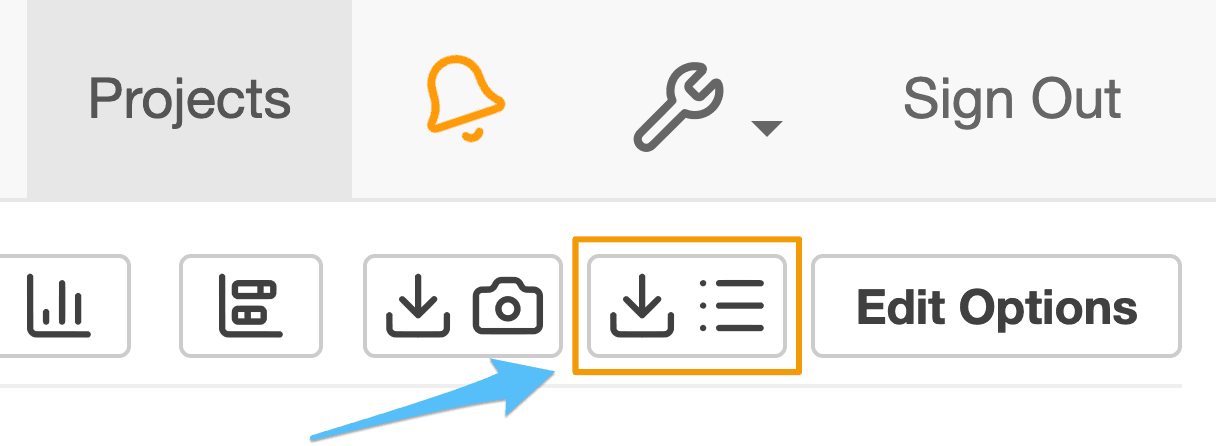
To simplify navigation, Snapizzi introduced Quick Access to Subject Lists.
Instead of returning to the Project Dashboard before opening another Subject List, photographers can jump directly to the list they need with a single click.
Subject Lists provide a centralized view of every subject in a project, making it easier to review photographs, locate specific individuals, and manage large picture day workflows.
This feature is especially valuable for schools, sports leagues, dance studios, and other high-volume photography organizations where projects can contain a large number of subjects.
Although simple in design, Quick Access to Subject Lists helps eliminate repetitive navigation, allowing photographers to spend less time searching and more time managing their workflow.
Note: This article announced Quick Access to Subject Lists. Although introduced as a small usability enhancement, the feature continues to reduce repetitive navigation by making Subject Lists easier to access while managing large photography projects.
Related Articles
Explore more features, announcements, and workflow improvements.
Related Help Articles
Step-by-step guides and documentation from the Snapizzi Knowledge Base.
Explore These Topics
Find more articles on the topics covered in this post.
Continue Exploring Snapizzi
Content Directory — Browse all articles and workflow resources
Release History — Explore new features and product updates
Knowledge Base — Find tutorials and documentation
User Love — See what photographers say about Snapizzi