


If you use jAlbum to publish photo galleries, you already know how much flexibility and control it provides.
Snapizzi helps automate that process by matching photos to subjects and organizing images into ready-to-publish folder structures that work seamlessly with jAlbum.
Looking for step-by-step setup instructions? See our Snapizzi + jAlbum Workflow Guide for detailed setup instructions, workflow recommendations, and best practices.

jAlbum is a gallery publishing platform that gives photographers extensive control over how galleries are created, organized, hosted, and presented.
Unlike many hosted gallery platforms, jAlbum allows photographers to choose their own hosting environment, customize gallery appearance, create searchable galleries, and maintain complete ownership over their published content.
For photographers who value flexibility and control, jAlbum remains a popular choice for publishing school, sports, event, and portrait photography galleries.
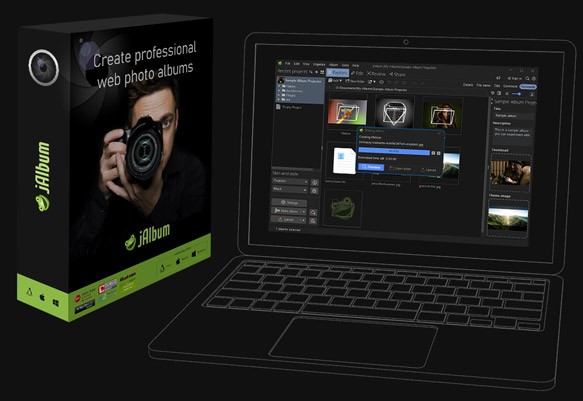
One of jAlbum's greatest strengths is its ability to create galleries directly from organized folder structures.
Because gallery organization often reflects the underlying folder structure, the way images are organized before publishing can have a significant impact on the final customer experience.
For photographers managing hundreds or thousands of images, manually creating and maintaining those folder structures can quickly become one of the most time-consuming parts of the workflow.
A single organizational mistake can lead to misplaced images, difficult navigation, and additional time spent correcting gallery structures.
Snapizzi helps automate this process before images ever reach jAlbum, allowing photographers to spend less time organizing files and more time publishing galleries.
Whether you're using jAlbum or another gallery platform, understanding the complete picture day process can help you build a more efficient workflow.
jAlbum excels at publishing organized galleries. Snapizzi helps ensure those galleries are organized before they are ever published.
Using Snapizzi with jAlbum is straightforward:
Photograph subjects using Snapizzi QR codes or roster-based workflows.
Snapizzi automatically matches and organizes images.
Export a Snapizzi Bundle that creates an organized folder structure ready for jAlbum.
Import the organized folders into jAlbum.
Publish searchable galleries using your preferred hosting environment.
Because the matching and organization work has already been completed, photographers can focus on publishing galleries rather than preparing them.
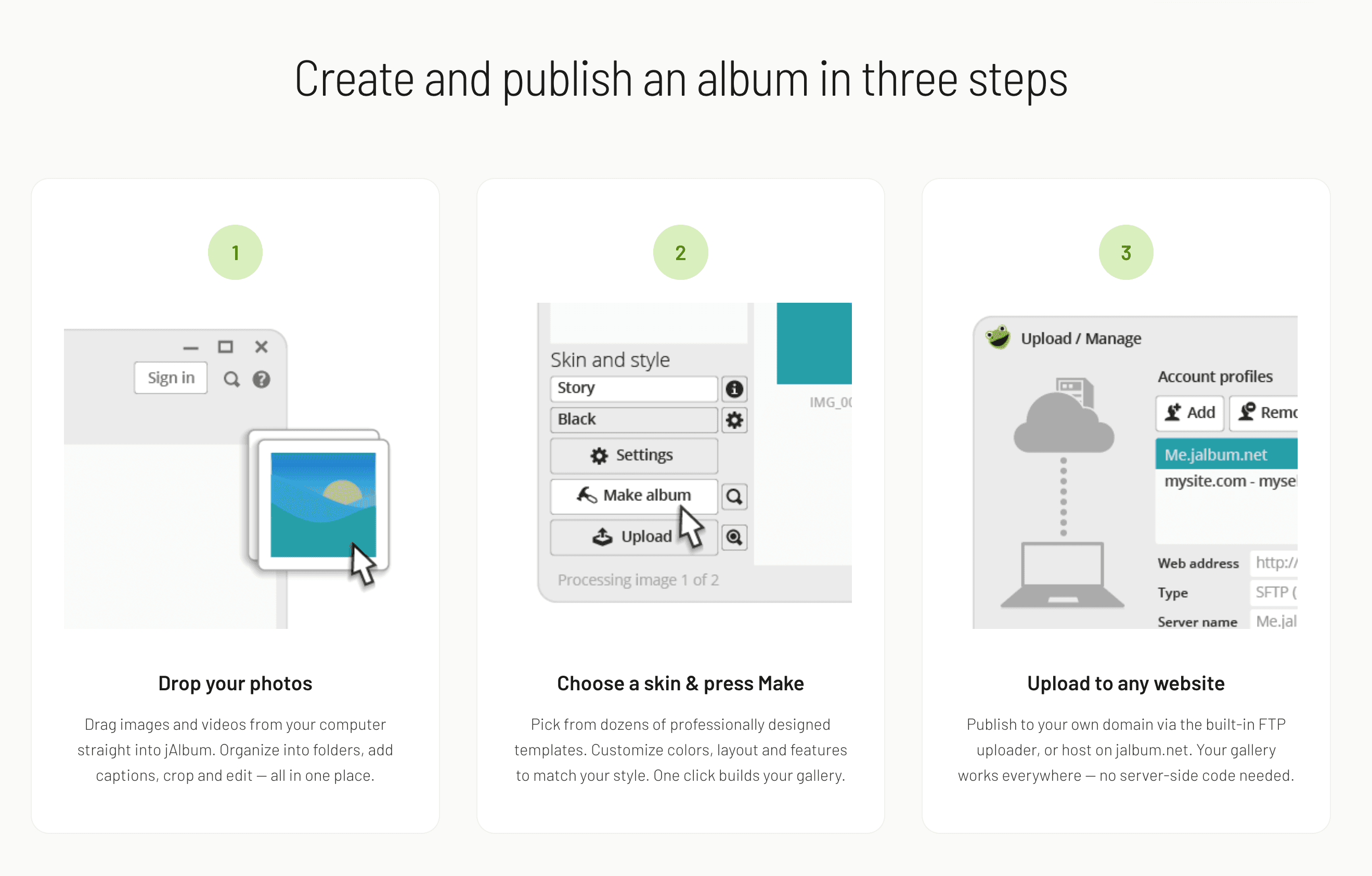
The Snapizzi and jAlbum workflow is particularly valuable for photographers handling large numbers of subjects and high-volume jobs.
Common use cases include:
School portraits
Sports leagues and tournaments
Dance and performing arts studios
Graduation photography
Corporate headshots
Event photography
Camps and youth organizations
Any workflow that requires organizing large numbers of images can benefit from automation before gallery publication.
The larger the job, the more valuable automation becomes. Eliminating manual organization can save hours before a gallery is ever published.
Snapizzi and jAlbum solve different parts of the high-volume photography workflow.
Snapizzi focuses on:
Subject matching
Image organization
CSV roster imports
Automated sorting
Gallery preparation
Bundle exports
jAlbum focuses on:
Gallery creation
Gallery design
Searchable albums
Hosting flexibility
Publishing and delivery
Together, they help photographers:
Automatically create organized folder structures
Reduce manual image sorting
Build searchable galleries faster
Improve gallery consistency
Reduce folder management tasks
Maintain complete control over hosting and design
Continue using existing workflows
Rather than replacing your existing workflow, Snapizzi enhances it by automating one of the most repetitive and time-consuming parts of the process.

Whether you're publishing school portraits, sports photography, dance photography, or event galleries, automating the organization process can save hours on every job.
By combining Snapizzi's automated photo matching and organization tools with jAlbum's publishing capabilities, photographers can create a scalable workflow that improves consistency, reduces manual labor, and speeds up delivery.
For studios handling hundreds or thousands of subjects, even small workflow improvements can result in significant time savings throughout the year.
Ready to Streamline Your Workflow?
Snapizzi helps photographers automate photo matching, organization, and delivery while continuing to use the tools they already trust.
See how photography studios use Snapizzi to reduce manual work, improve organization, and streamline high-volume photography workflows in our Customer Success Stories.
Start your free 14-day trial and see how much time you can save on your next school, sports, or high-volume photography job.
Related Workflow Guides
*jAlbum is a trademark of its respective owner. Snapizzi works with jAlbum to help automate high-volume photography workflows.
Related Articles
Explore more features, announcements, and workflow improvements.
Related Help Articles
Step-by-step guides and documentation from the Snapizzi Knowledge Base.
Explore These Topics
Find more articles on the topics covered in this post.
Continue Exploring Snapizzi
Content Directory — Browse all articles and workflow resources
Release History — Explore new features and product updates
Knowledge Base — Find tutorials and documentation
User Love — See what photographers say about Snapizzi