How to Use ShootProof for High-Volume Photography

shootproof-logo

How to Use ShootProof for High-Volume Photography

pull-quote-left

ShootProof is excellent for galleries, ordering, and delivery Snapizzi integrates directly to automate high-volume workflows and reduce manual work.

snapizzi-favicon

The Snapizzi Team

Originally published

11 years ago

Updated

6 days ago
7 min read 1,274 words

How to Use ShootProof for High-Volume Photography

shootproof-logo

How to Use ShootProof for High-Volume Photography

pull-quote-left

ShootProof is excellent for galleries, ordering, and delivery Snapizzi integrates directly to automate high-volume workflows and reduce manual work.

snapizzi-favicon

The Snapizzi Team

Originally published

11 years ago

Updated

6 days ago
7 min read 1,274 words
snapizzi-favicon

The Snapizzi Team

Originally published

11 years ago

Updated

6 days ago
7 min read 1,274 words

ShootProof is one of the most popular platforms for school, sports, portrait, and high-volume photographers selling prints, delivering galleries, and creating a polished customer experience.

For portrait, family, and wedding photographers, the workflow is usually straightforward.

High-volume photography is different.

When you’re photographing schools, sports leagues, dance studios, graduations, or large events, the biggest challenge often is not selling photos or sharing galleries.

It is organization.

Thousands of images. Multiple teams or classes. Tight turnaround expectations. Parents waiting for photos. Schools expecting accuracy.

The good news?

Snapizzi integrates directly with ShootProof to help automate organization, streamline gallery preparation, and reduce repetitive manual work for high-volume photography.

Instead of replacing the tools they already know, photographers improve the workflow around them using workflow automation.

This guide explains how photographers use ShootProof for school, sports, dance, and event photography workflows while reducing manual sorting, organizing galleries faster, and speeding up delivery.


snapizzi-and-shootproof

What Is High-Volume Photography?

High-volume photography refers to photography businesses that photograph large numbers of people quickly and efficiently, often with repeat clients and predictable seasonal schedules.

Common examples include:

• School photography
• Sports photography
• Dance studios
• Graduation photography
• Camps and events
• Corporate headshots at scale

Unlike portrait or wedding photography, high-volume photographers are often managing hundreds or thousands of images from a single job.

The challenge is usually not taking the photos.

The challenge is organizing them.

A school photographer may need to match thousands of images to student rosters. A sports photographer may need to organize teams, individuals, coaches, banners, composites, and galleries quickly before parents expect to view photos online.

This is where workflow becomes critical.

Many photographers reduce manual organization using QR workflows, Smart Keyframes, and CSV roster matching before galleries are uploaded.

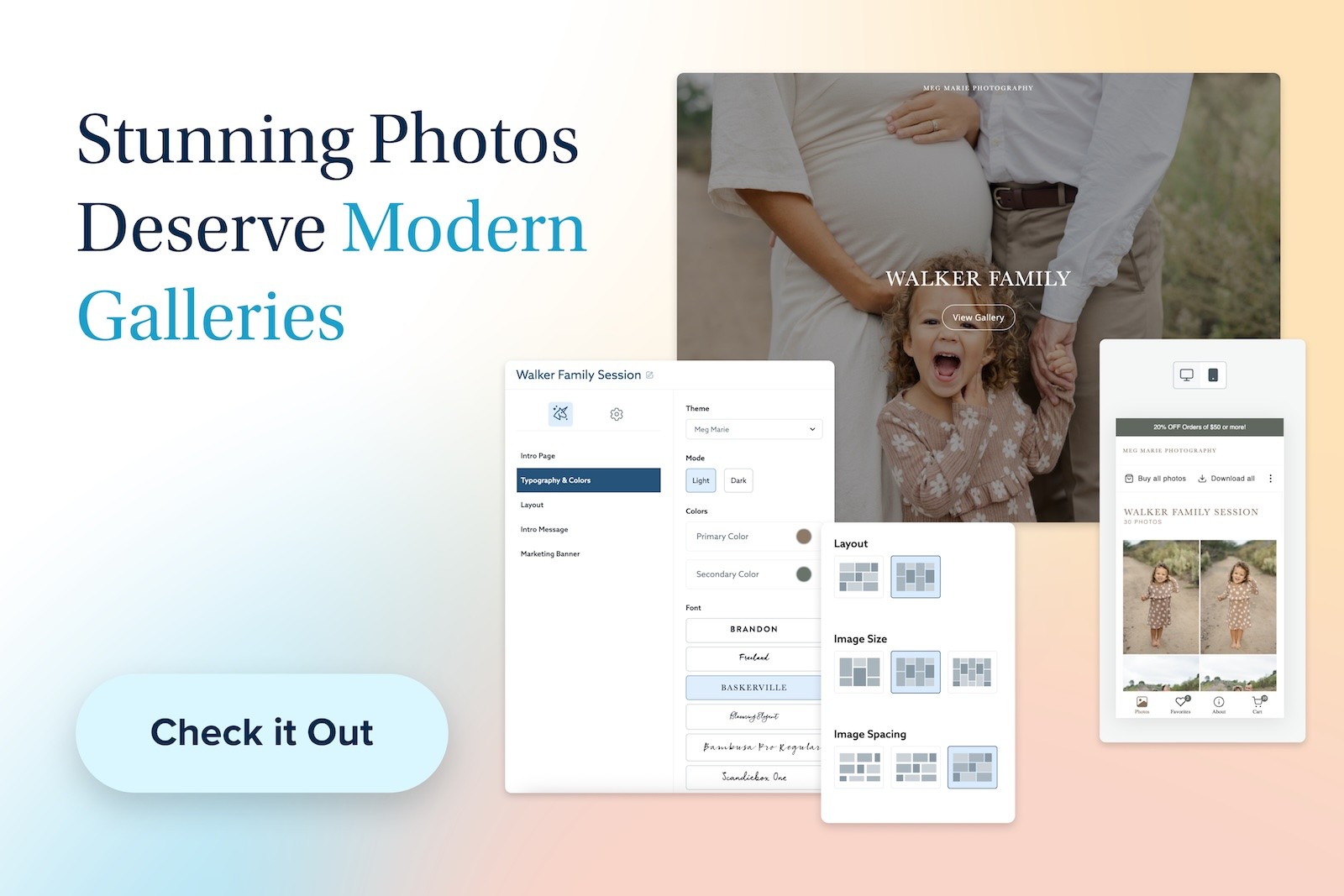
Learn how photographers organize ShootProof galleries using categories, album grouping, and cover photo options.


Shootproof-high-volume-photography-03

Can ShootProof Be Used for High-Volume Photography?

Yes — many photographers successfully use ShootProof for high-volume photography.

ShootProof works particularly well for:

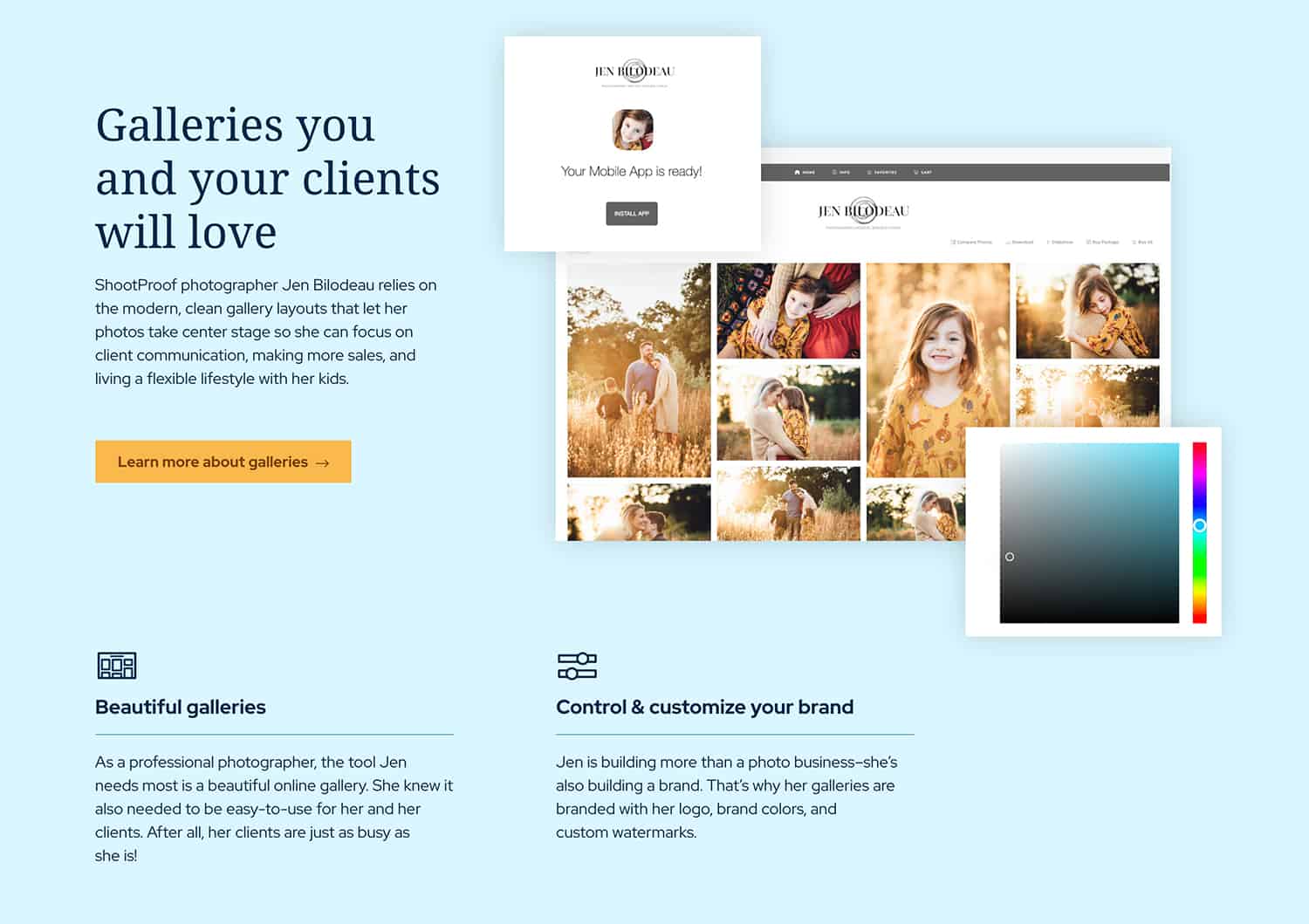
• Online galleries
• Print and digital sales
• Client ordering
• Gallery branding
• Download delivery
• Customer experience

Another reason many photographers choose ShootProof is predictable pricing.

Unlike some gallery platforms, ShootProof does not charge commissions on sales, allowing photographers to keep 100% of their profits and maintain more predictable margins.

For many studios, ShootProof already solves the gallery and delivery side of the business extremely well.

The challenge usually happens before galleries are published.

pull-quote-left

Many high-volume photographers keep ShootProof for delivery and improve workflow around it to reduce manual sorting and speed up turnaround time.

Why Many High-Volume Photographers Choose ShootProof

High-volume photographers often choose ShootProof because it already solves one of the most important parts of the business: client delivery.

Photographers use ShootProof because it offers:

• Professional galleries
• Online ordering tools
• Print fulfillment options
• Digital downloads
• Client-friendly gallery sharing
• Branding flexibility
• Predictable pricing without commissions on sales

For school, sports, and dance photographers, keeping more revenue while delivering a polished customer experience matters.

That is why many studios prefer improving workflow while continuing to use ShootProof rather than switching to an entirely new platform.

You do not necessarily need to replace the systems you already trust.

Many photographers simply improve the workflow around them.

pull-quote-left

You do not necessarily need to replace the platform you already trust many photographers simply improve workflow around it.

Why High-Volume Photography Workflows Are Different

High-volume photography introduces workflow problems that most portrait photographers never encounter.

For example:

A school photographer may photograph hundreds or thousands of students across multiple grades.

A sports photographer may photograph individual athletes, teams, coaches, banners, composites, and league events all in the same session.

A dance photographer may need to organize performers, costume changes, routines, and group shots.

Without a reliable workflow, photographers often spend hours manually:

• Sorting images
• Renaming files
• Matching subjects
• Creating folders
• Uploading galleries manually
• Fixing mistakes

The larger the job becomes, the harder manual organization becomes.


Shootproof-galleries-01

How to Make ShootProof Work for High-Volume Photography

Stage 1: Organize Images and Prepare Galleries

Instead of manually dragging thousands of files into folders, photographers use Snapizzi to:

• Match students or athletes to images
• Use QR cards or Smart Keyframes for indexing
• Import CSV roster data for schools, teams, and organizations
• Organize galleries automatically
• Reduce manual sorting and renaming
• Prepare clean galleries for delivery

Stage 2: Publish to ShootProof

Because Snapizzi integrates directly with ShootProof, photographers can streamline gallery publishing after images are organized.

Clients can then:

• Browse galleries
• Order prints
• Download digital files
• Share galleries
• Purchase packages

This allows photographers to continue using ShootProof for galleries, ordering, and customer delivery while reducing manual work beforehand.

pull-quote-left

ShootProof is excellent for galleries, ordering, and delivery high-volume photographers simply improve what happens before upload.

The Missing Piece: Workflow Before Delivery

For many high-volume photographers, the biggest bottleneck is not gallery delivery.

It is organizing thousands of photos before customers ever see them.

Many photographers use Snapizzi together with ShootProof to automate organization, reduce repetitive work, and streamline delivery.

Features such as QR workflows, Smart Keyframes, CSV roster matching, Diagnose & Remedy tools, and High Resolution Scanning help photographers organize school, sports, dance, and event photography faster while reducing errors.

Because Snapizzi integrates directly with ShootProof, photographers can improve workflow without replacing the gallery platform they already trust.

ShootProof handles galleries, ordering, downloads, and customer delivery.

Snapizzi helps automate the high-volume workflow around it.


Shootproof-galleries-02

Frequently Asked Questions

Can ShootProof be used for school photography?

Yes. Many photographers use ShootProof for school photography because it provides galleries, ordering, downloads, and customer delivery while allowing photographers to keep 100% of sales revenue.

Snapizzi integrates directly with ShootProof to help automate high-volume workflows, organize galleries, and reduce manual work before photos are delivered.

Is ShootProof good for sports photography?

Yes. ShootProof works well for sports photography galleries, online ordering, and customer delivery.

Many photographers combine ShootProof with Snapizzi to organize teams, athletes, coaches, banners, composites, and league galleries faster using QR workflows, Smart Keyframes, roster matching, and automated organization.

Does ShootProof charge commissions?

No. ShootProof does not charge commissions on sales, allowing photographers to maintain predictable margins and keep more revenue.

Can ShootProof organize school photos automatically?

ShootProof is excellent for gallery delivery, ordering, and customer experience, but most high-volume photographers still need a way to efficiently organize large numbers of images.

Snapizzi integrates directly with ShootProof and helps automate organization using QR cards, Smart Keyframes, CSV roster imports, automated matching, and gallery preparation workflows.

Once images are organized, Snapizzi can streamline publishing directly into ShootProof for ordering, downloads, and customer delivery.

What is the fastest way to organize sports photos?

Many sports photographers organize photos faster by automating the process instead of manually sorting thousands of files.

With Snapizzi and ShootProof working together, photographers can organize teams, individual athletes, coaches, banners, composites, and league photos using QR workflows, Smart Keyframes, roster matching, and automated sequencing.

This reduces manual sorting, improves accuracy, and helps sports photography galleries get online faster.

Do I need to replace ShootProof to improve workflow?

No.

Many photographers continue using ShootProof because it already handles galleries, ordering, downloads, and customer delivery extremely well.

Snapizzi integrates directly with ShootProof to help automate high-volume workflows, reduce manual sorting, organize galleries faster, and streamline delivery — all while continuing to use the ShootProof platform photographers already trust.

Final Thoughts

ShootProof is already a strong platform for gallery delivery, ordering, and customer experience.

For high-volume photographers, the biggest opportunity is often improving workflow before galleries are published.

Rather than replacing the systems you already trust, many photographers simply improve organization, automate repetitive tasks, and continue using ShootProof for what it already does extremely well.

Want to see how photographers automate high-volume school, sports, and dance workflows while continuing to use ShootProof?

Watch the Snapizzi workflow demo to see how galleries can be organized faster without changing platforms.


*ShootProof is a trademark of its respective owner. Snapizzi works with ShootProof to help automate high-volume photography workflows.

Content Note: We use AI to help refine our articles (past and present), but all ideas and original content are ours.