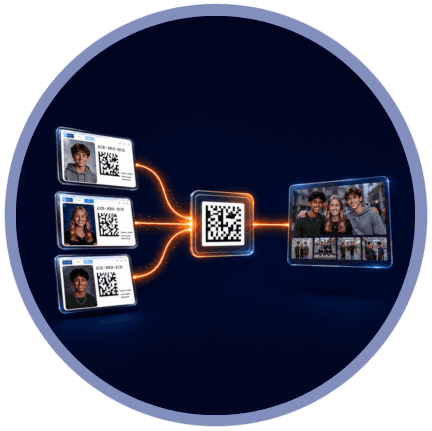


Most high-volume photography workflows are straightforward: photograph a subject's Camera Card, photograph the subject, and Snapizzi uses that keyframe to associate the images that follow with the correct subject.
But sometimes a photo belongs to more than one person.
Think about siblings photographed together, best friends taking a buddy photo, or several students who want a portrait together.
Each subject may have an individual gallery, but the shared photographs should appear in all of them.
Snapizzi's Photo Series Sharing makes that possible. And when you're using Snapizzi Paperless Camera Cards, Pinning lets you establish those connections right on picture day.
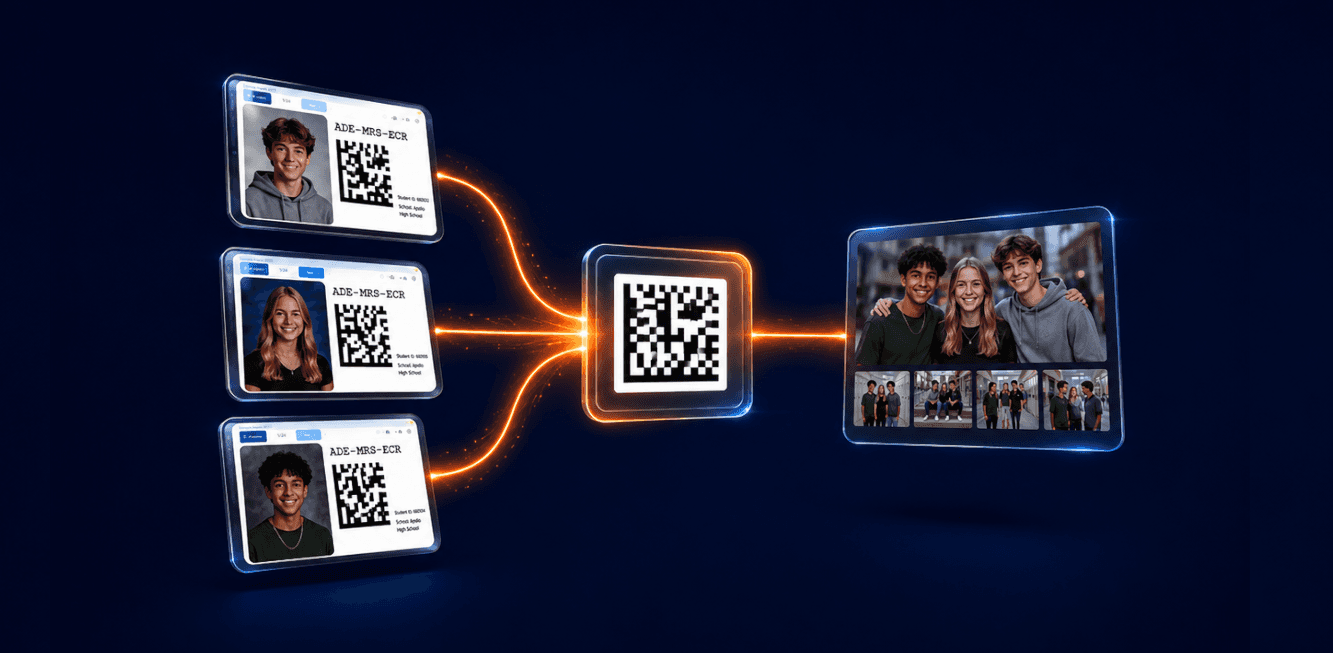
One photo series can belong to multiple subjects without requiring you to manually copy the images into each gallery later.
With printed Camera Cards, sharing a photo series between subjects is simple.
Instead of photographing one Camera Card as the keyframe, place the Camera Cards for each subject together and photograph all of their identification codes in the same keyframe image.
The portraits that follow can then be associated with each of those subjects.
For example, if two siblings want a portrait together, photograph both of their Camera Cards in the same keyframe before taking the sibling photos.
The resulting photo series can then appear in both individual galleries.
The same approach works for buddy photos and other situations where a photograph needs to be connected to multiple subjects.
Paperless Camera Cards present a different challenge.
When a Camera Card is displayed digitally on a tablet, smartphone, or other device, you don't have multiple physical cards that you can simply place together and photograph.
That's what Pinning solves.
Pinning temporarily combines multiple Paperless subject codes into a single Data Matrix code that the photographer can capture as one keyframe.
Up to three subject codes can be pinned to a fourth, allowing as many as four subjects to be connected to the same photo series.
As codes are pinned, the displayed Data Matrix code changes to represent the combined subjects.
Instead of juggling several devices, opening multiple browser windows, or trying to photograph several digital Camera Cards at once, the photographer still has only one code to photograph.
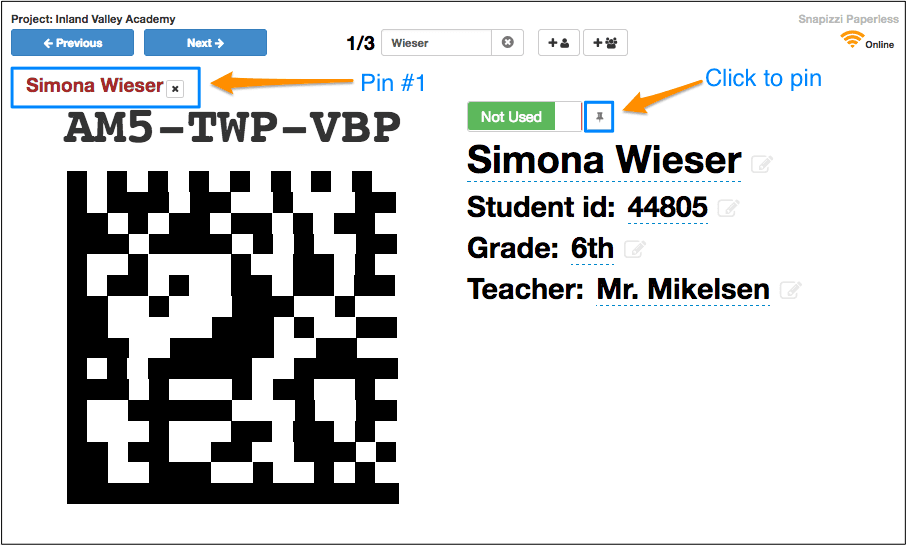
Pinning gives a paperless workflow the same ability to share a photo series that photographers have when placing multiple printed Camera Cards together.
Imagine you're photographing three siblings during school picture day.
Each sibling has their own subject record and individual gallery.
After photographing their individual portraits, you want to take several photographs of all three children together and have those images available in each sibling's gallery.
With Snapizzi Paperless, you can:
Locate the first sibling's Paperless Camera Card.
Pin that subject's code.
Locate the second sibling and pin their code.
Locate the third sibling and combine it with the pinned codes.
Photograph the resulting combined Data Matrix code.
Photograph the siblings together.
That single keyframe establishes the connection between the following photo series and all three subjects.
Once the project is processed, the shared images can appear with each sibling rather than requiring the studio to manually duplicate or reorganize the photos afterward.
Sibling portraits are an obvious example, but Pinning can be useful anywhere several subjects share the same photographs.
That might include:
Buddy photos
Best-friend portraits
Small groups of students
Couples at an event
Multiple athletes photographed together
Any photo series that needs to appear in several subject galleries
The important distinction is that Pinning works with subject codes.
It isn't intended for group codes used for class, team, or other group-photo workflows. Those have their own role in organizing group images within Snapizzi.
One of the advantages of Pinning is that you're establishing the gallery relationships while you're photographing.
The keyframe itself contains the information Snapizzi needs to understand which subjects belong to the photo series that follows.
That keeps the identification step where it belongs: at the point of capture.
Rather than finishing picture day with a list of sibling photos, buddy photos, or other shared images that someone needs to manually distribute later, those relationships can already be part of the project's organization.
The more information you establish correctly at capture, the less manual organization you have waiting after picture day.
Not every shared-photo situation will be identified during picture day.
Maybe a set of images needs to be connected to another subject after you've already processed the project, or someone simply forgot to pin the subjects before taking the photograph.
Snapizzi also allows photo series to be shared between subject galleries after processing.
Pinning is therefore not the only way to share images. It's the picture-day solution specifically designed to make photo sharing convenient when you're using Snapizzi Paperless.
Pinning solves a very specific problem, but those are often the workflow improvements that make the biggest difference during a busy picture day.
Photographers don't need to stop and figure out how to display several digital Camera Cards at once. Assistants don't need to keep track of which shared photographs need to be copied later.
Pin the subjects, photograph one Data Matrix code, and continue shooting.
It's another way Snapizzi helps move organization out of post-production and into an automated workflow established while the photographs are being created.
Related Articles
Explore more features, announcements, and workflow improvements.
Related Help Articles
Step-by-step guides and documentation from the Snapizzi Knowledge Base.
Explore These Topics
Find more articles on the topics covered in this post.
Continue Exploring Snapizzi
Content Directory — Browse all articles and workflow resources
Release History — Explore new features and product updates
Knowledge Base — Find tutorials and documentation
User Love — See what photographers say about Snapizzi